
Creating a productive home office environment is essential for anyone working remotely or freelancing. A well-designed and organized workspace can help you maintain focus, improve efficiency, and enjoy your workday more. Whether you have a dedicated room or a small nook, these tips will guide you to build a home office that supports productivity and comfort.
Choose the Right Location
Find a Quiet, Private Space
Select a spot in your home that is quiet and away from distractions such as television noise or household traffic. If possible, use a separate room to mimic an office setting. For small spaces, a corner in a bedroom or living room can work well, as long as it promotes focus.
Consider Natural Light
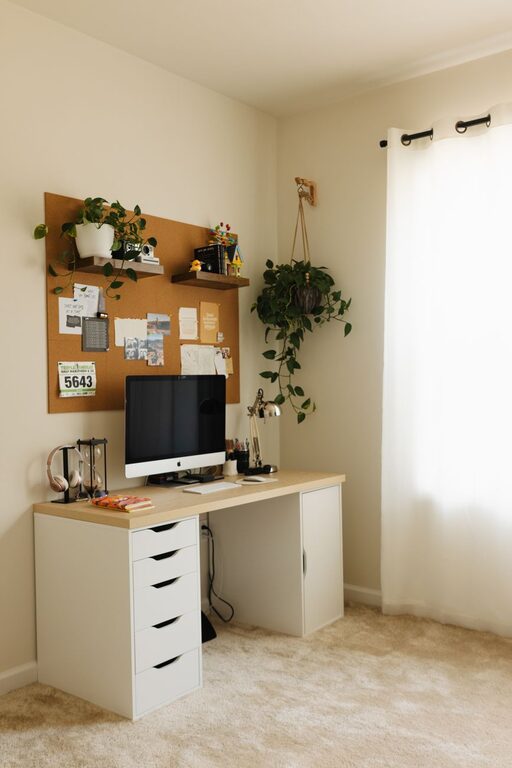
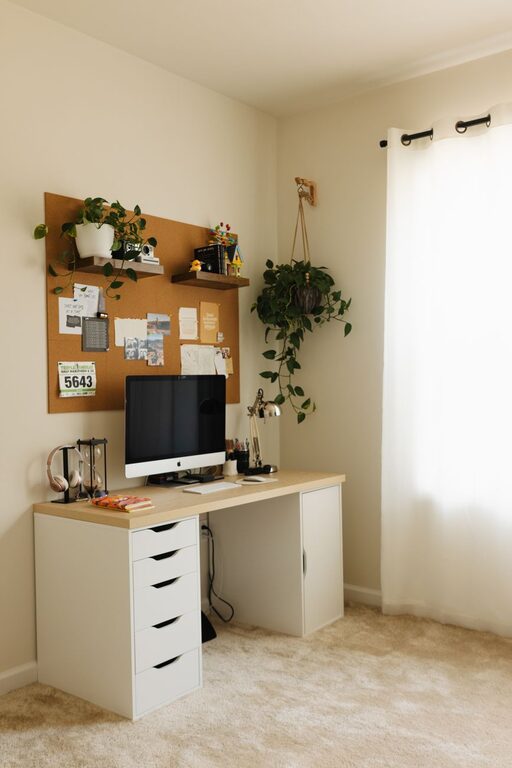
Good lighting is key for productivity and well-being. Position your desk near a window to take advantage of natural daylight. Natural light helps reduce eye strain and keeps you alert. If natural light is limited, invest in a quality desk lamp with adjustable brightness.
Invest in Ergonomic Furniture
Choose a Comfortable Chair
An ergonomic chair supports good posture and reduces back pain during long hours of sitting. Look for chairs with adjustable height, lumbar support, and cushioned seating. Comfort is a crucial ingredient for sustained productivity.
Get a Suitable Desk
Select a desk that matches your space and work needs. It should have enough surface area for your computer, notebooks, and other essentials. Adjustable desks that allow for sitting and standing can add variety to your workday and promote better health.
Keep Your Workspace Organized
Declutter Daily
A tidy workspace helps clear your mind and reduces stress. Make it a habit to remove unnecessary papers, stationery, and gadgets at the end of each day. Use trays, baskets, or drawer organizers to keep things neat and accessible.
Use Storage Solutions
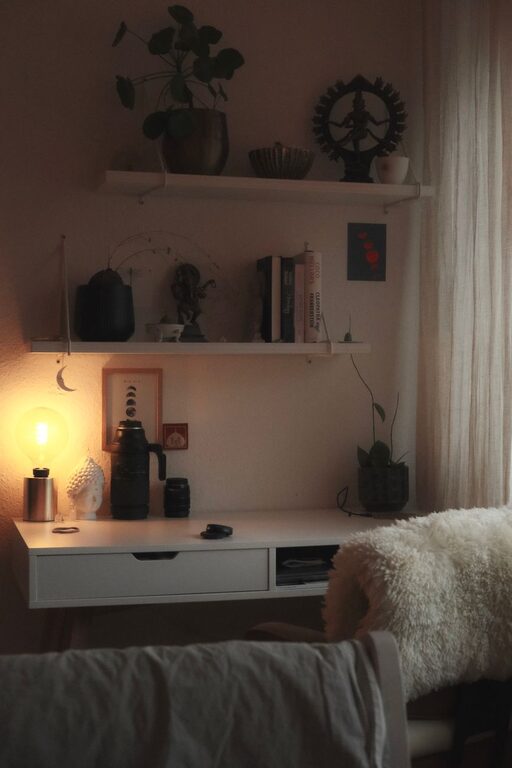
Shelves, filing cabinets, and storage boxes help keep your home office organized. Label storage containers to quickly find what you need. Digital organization tools for files and documents also reduce physical clutter.
Minimize Distractions
Set Boundaries
Communicate your work hours and space boundaries with family or housemates. Let them know when you should not be disturbed to maintain concentration.
Limit Noise
Use noise-cancelling headphones or play soft background music to block out distracting sounds. White noise machines can also be effective in creating a focused environment.
Establish a Routine
Regular Work Hours
Keep consistent start and finish times to create a structure similar to a traditional office day. This helps separate work time from personal life and enhances productivity.
Take Breaks
Schedule short breaks to rest your eyes, stretch, and move around. Breaks prevent burnout and keep energy levels steady throughout the day.
Personalize Your Workspace
Add Inspiring Elements
Decorate your office with plants, artwork, or motivational quotes that make the space inviting. Personal touches can improve mood and motivation.
Choose Calming Colours
Gentle, neutral colours often create a calm atmosphere. Avoid overly bright or distracting shades that might decrease focus.
Use Technology Wisely
Reliable Equipment
Ensure your computer, internet connection, and peripherals are reliable and fast. Technical issues can disrupt workflow and cause frustration.
Useful Apps
Leverage productivity and communication apps to stay organized and connected with colleagues. Tools like calendars, task managers, and messaging platforms streamline work processes.
Prioritize Health and Comfort
Ergonomic Accessories
Consider accessories like keyboard wrist rests, monitor stands, and footrests to improve comfort and posture.
Good Air Quality
Keep your workspace ventilated and consider adding air-purifying plants to improve air quality and wellbeing.
—
By applying these tips, you can create a home office environment that supports your productivity and wellbeing. A thoughtfully arranged workspace encourages focus, efficiency, and comfort, helping you make the most of your work-from-home days.